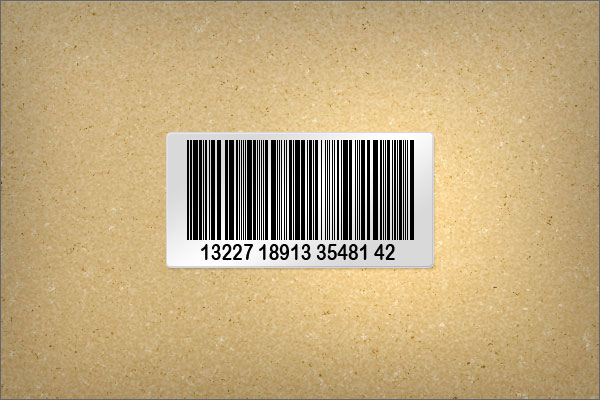
In this quick tip tutorial you will learn how to create a barcode sticker and a paperboard background texture. Let’s get started!
First, we will set up our brush preset for the barcode. Create a new document with a width of 1 px and a height of 100 px. Now pick the paint bucket tool and fill the document with black. Go to Edit > Define Brush Preset, choose a name for your brush and click OK. More...
No comments:
Post a Comment